Archive and retention
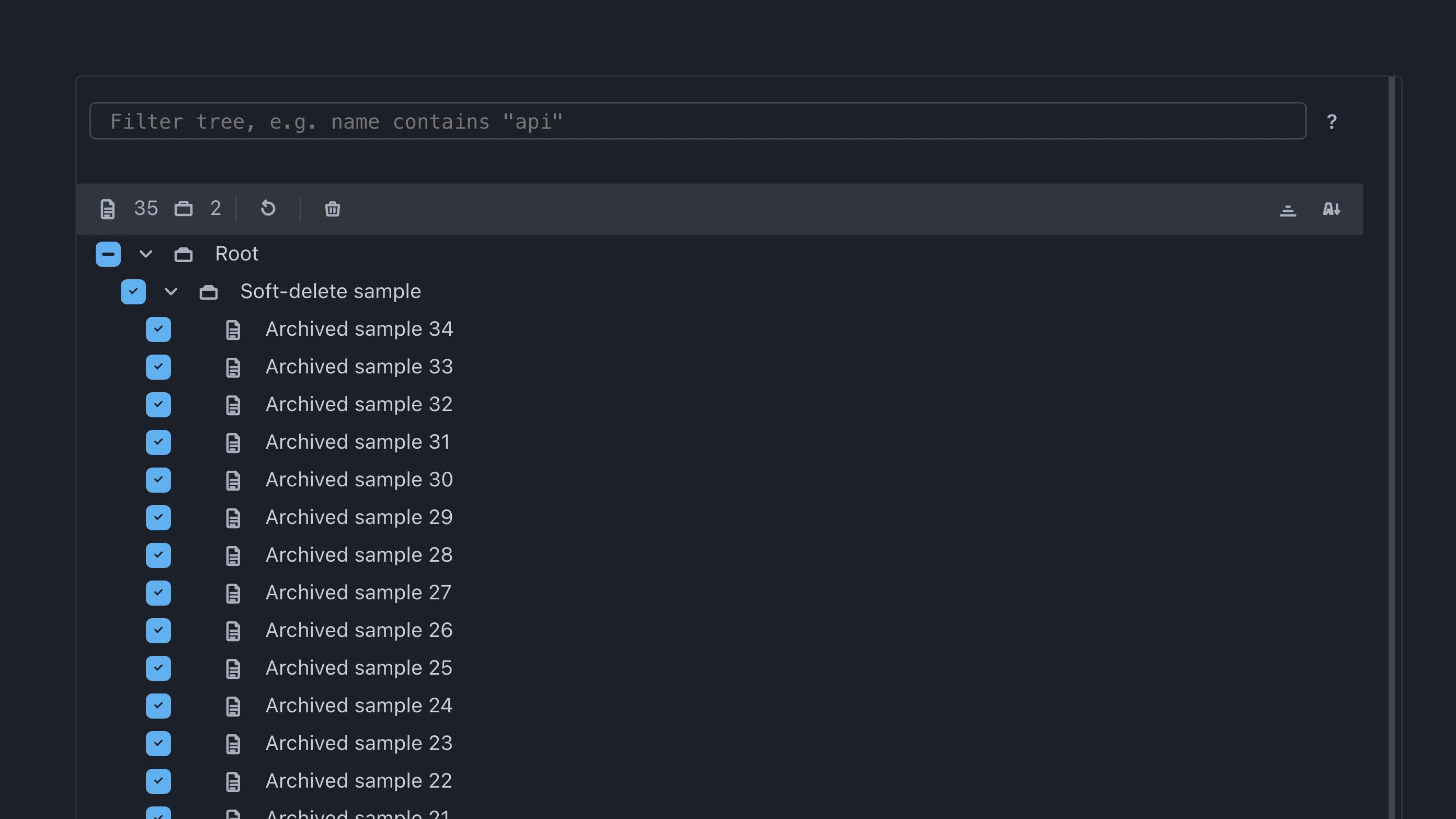
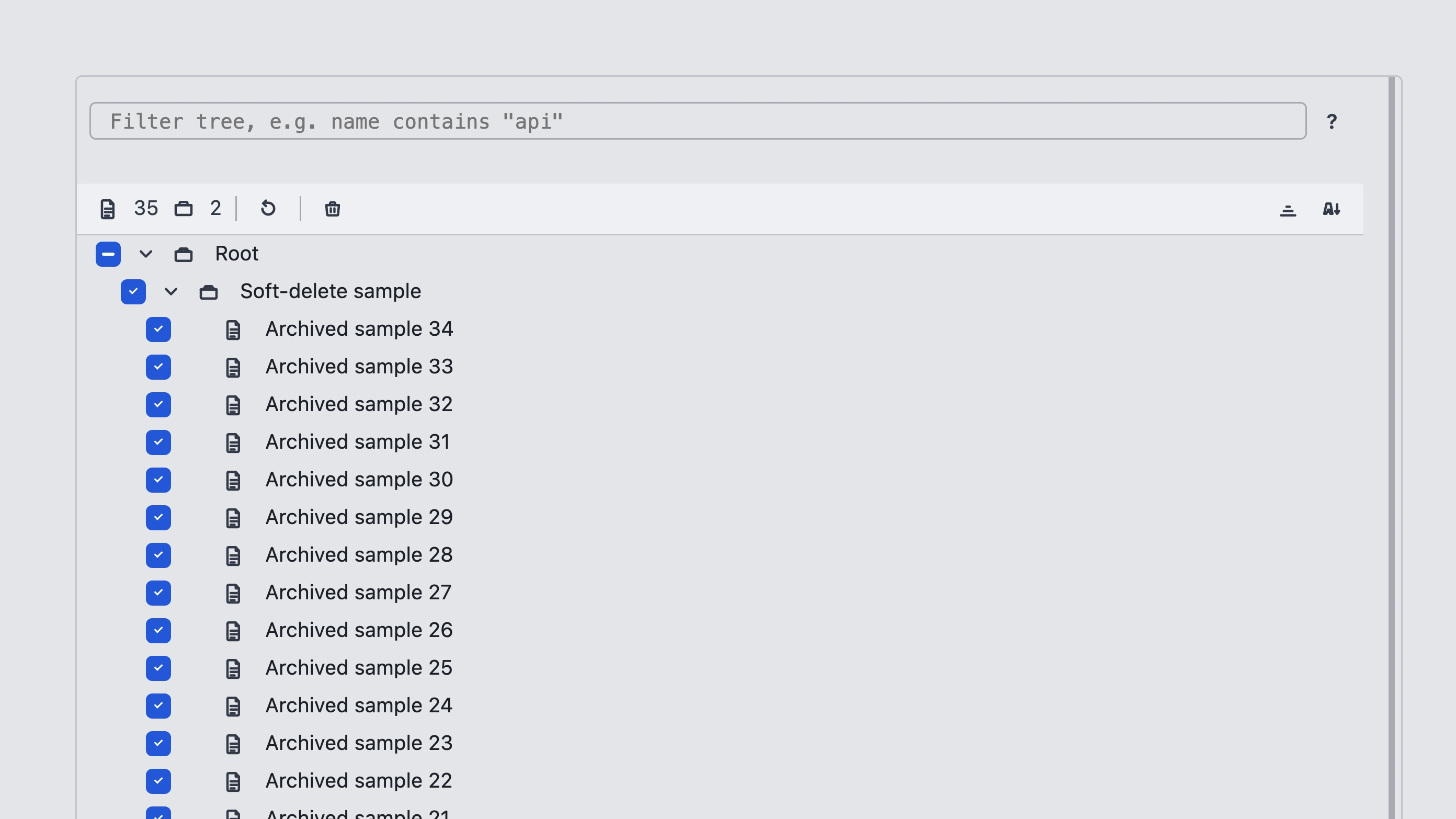
Delete on cases soft-archives them. Open Archive in the project to Restore items into the tree or Purge them permanently.
Quotas
Project Quotas control automatic cleanup:
| Setting | Effect |
|---|---|
| Archive auto-purge (days) | How long archived cases stay before automatic permanent deletion |
| Test run retention (days) | How long finished runs stay before automatic cleanup |
| Max test case versions | Cap on stored case versions |
| Auto-finish test runs after idle (minutes) | Idle active runs finish automatically |
Cleanup does not remove locked runs. Runs with status Running are also kept while they stay active.
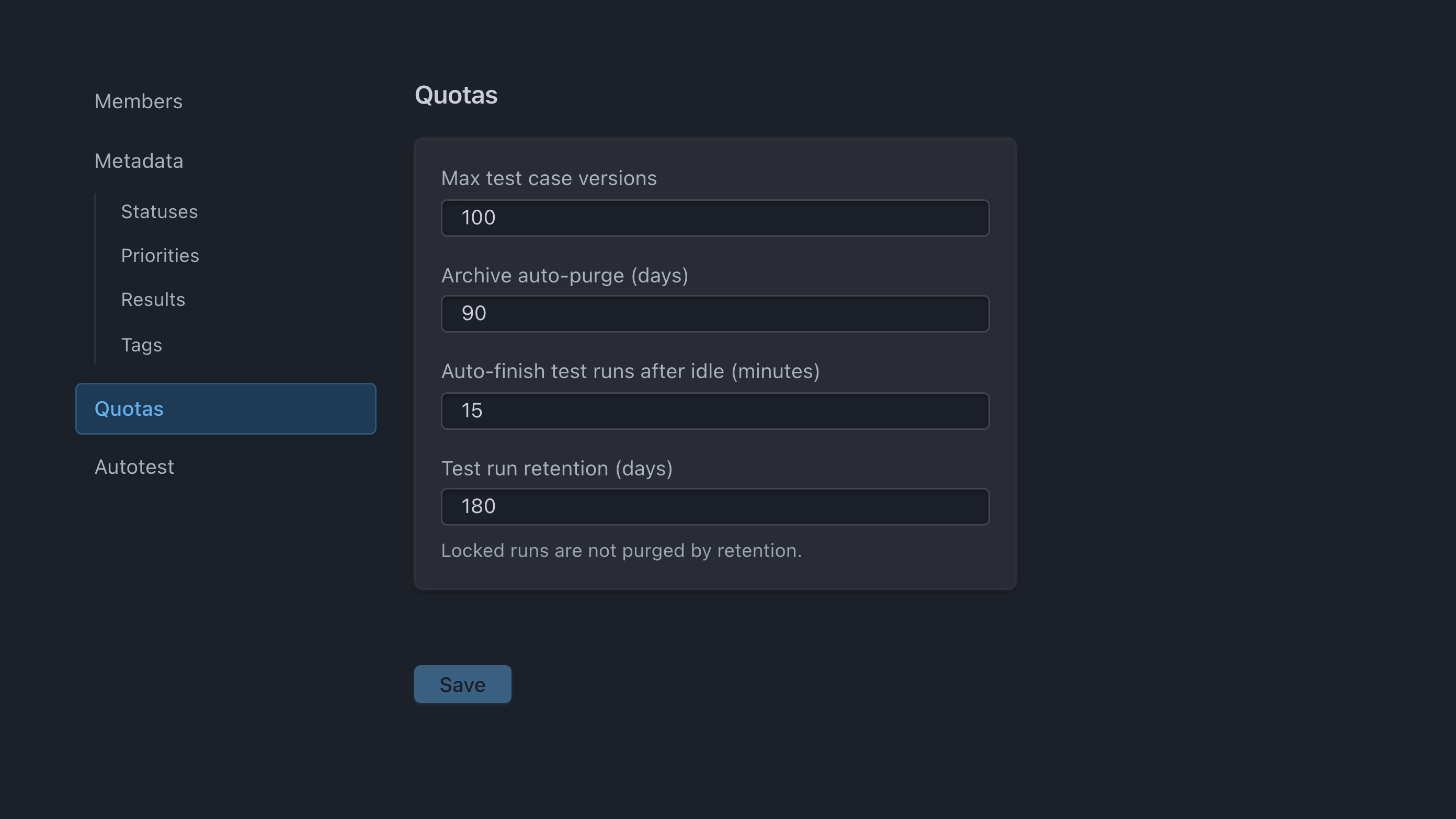
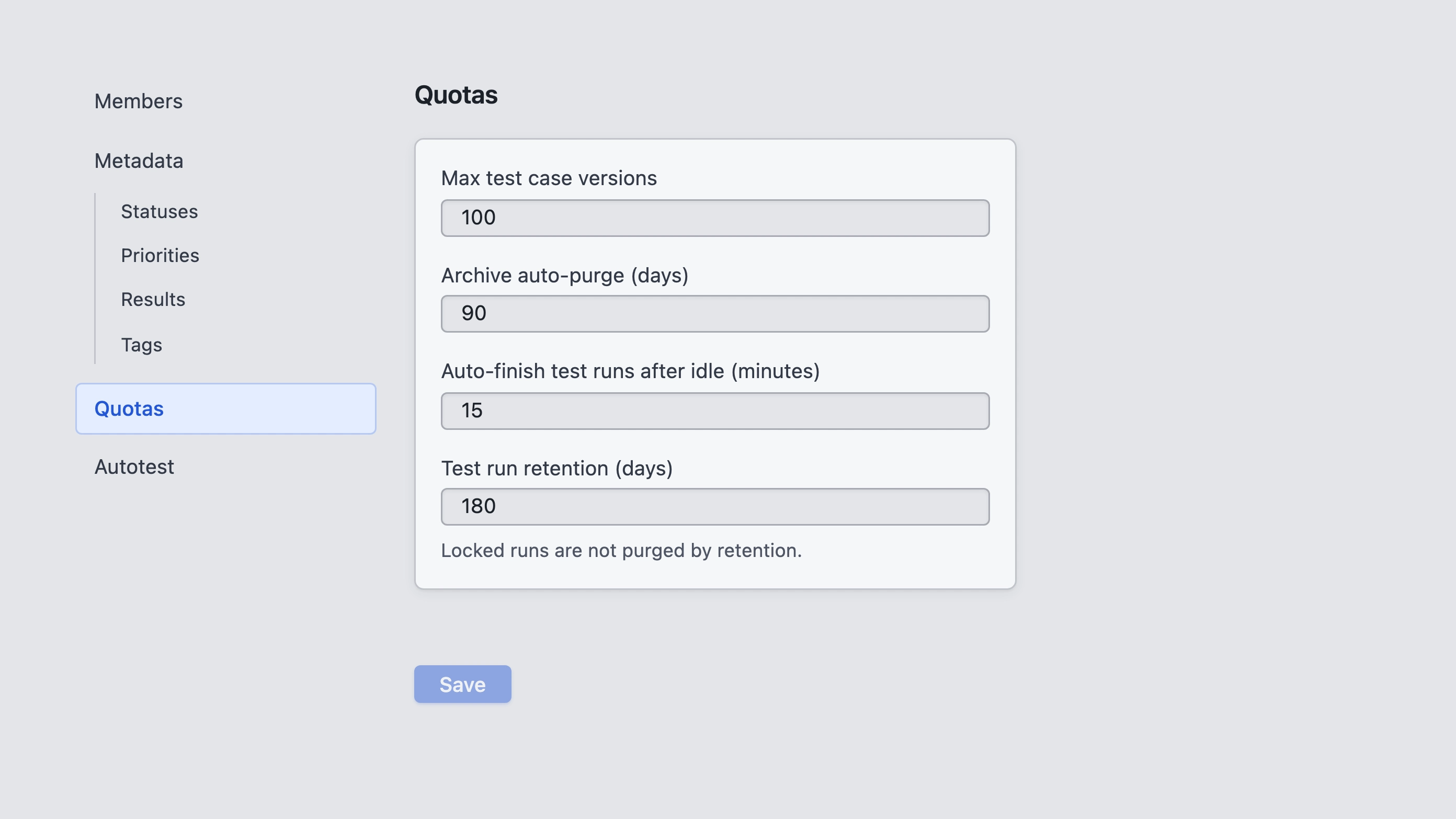
Configure quotas under Project settings → Quotas.