Project settings
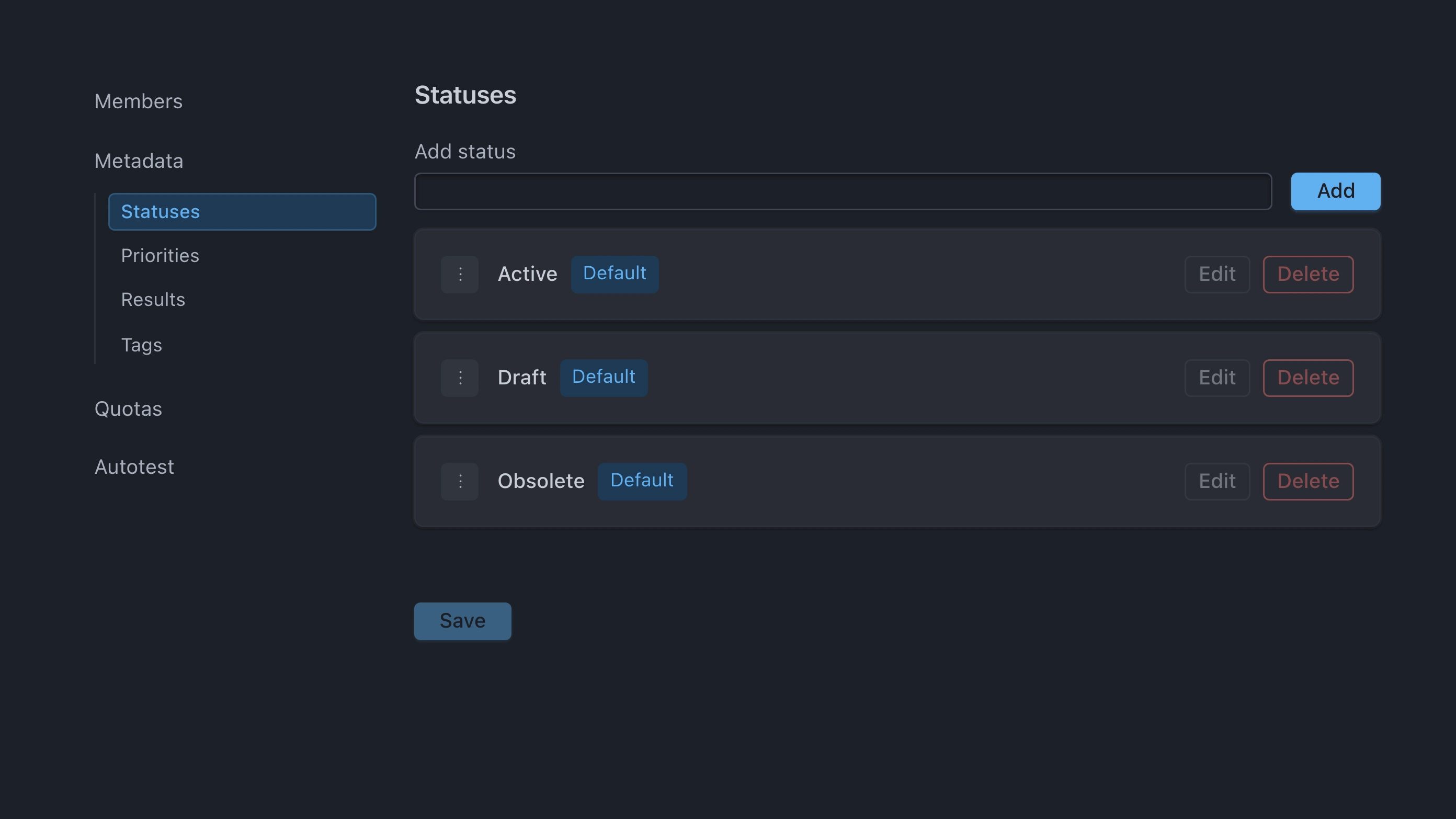
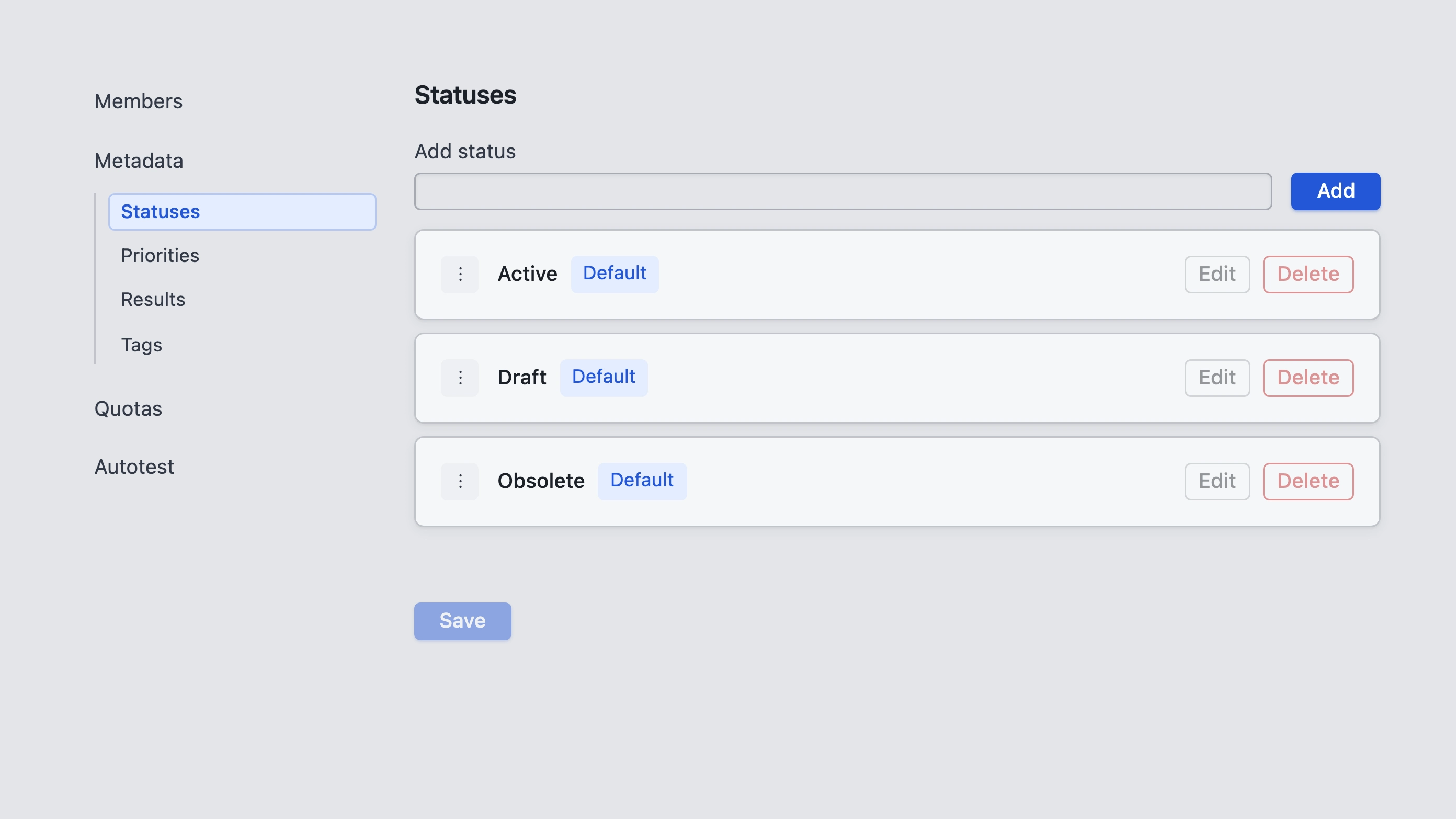
Open Project settings for the settings sections: Members, Metadata, Quotas, and Autotest.
Sections
- Members — who has access to the project and with which role (Owner, Writer, Reader, Autotest, or custom). Manage project members and their roles; create custom roles in Admin → Roles — see Roles and access.
- Metadata — statuses, priorities, results, and tags used on cases and runs in this project.
- Quotas — Max test case versions, Auto-finish test runs after idle (minutes), Archive auto-purge (days), and Test run retention (days). Retention details: Archive and retention.
- Autotest — the project Autotest token for CI and REST result pushes — see Tokens.
Related: Tokens, Roles and access.