Test plans
A plan is the set of cases you execute together. Create a plan from the plans list, then open it to manage name, description, membership, and runs.
Plan view
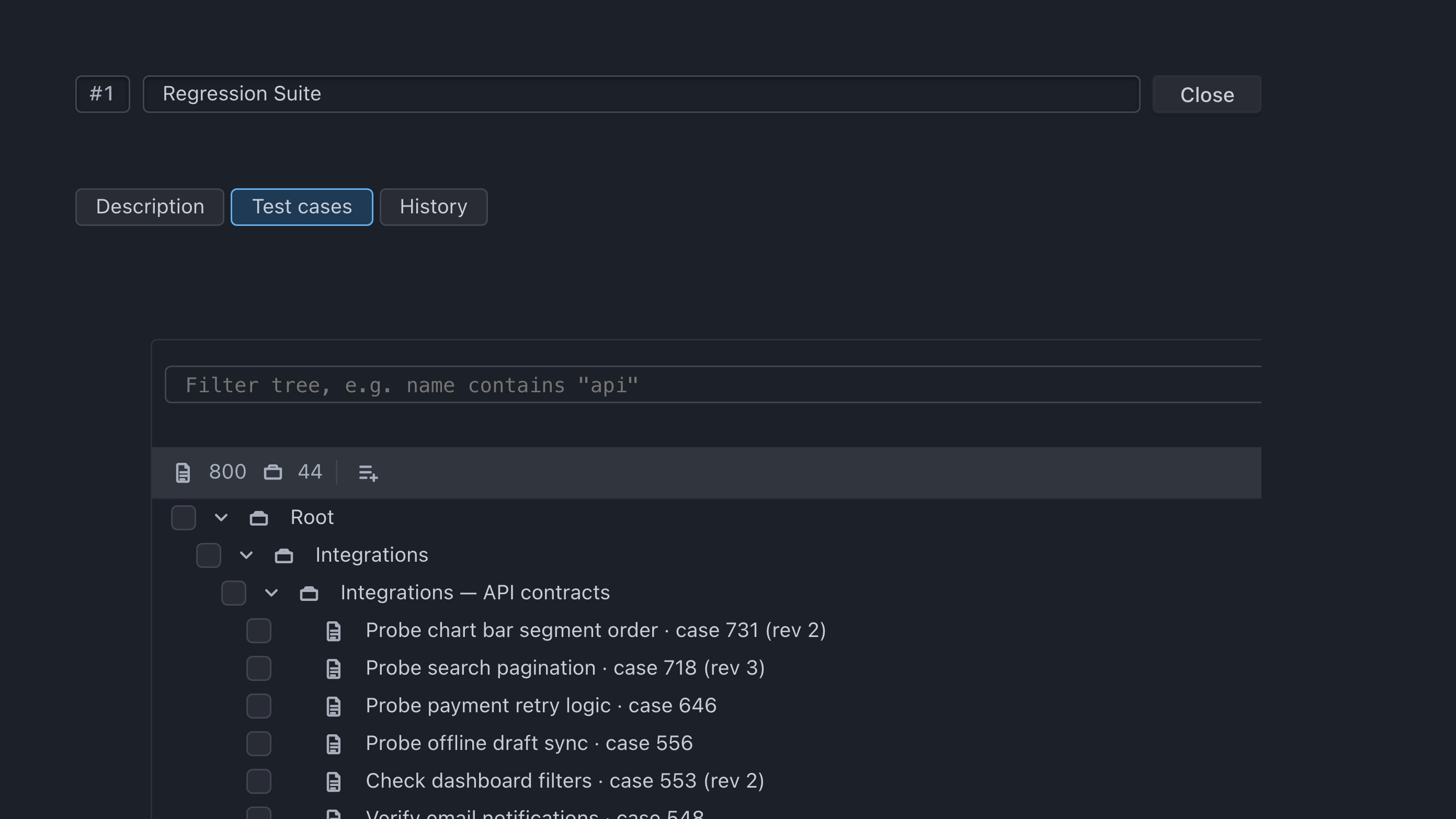
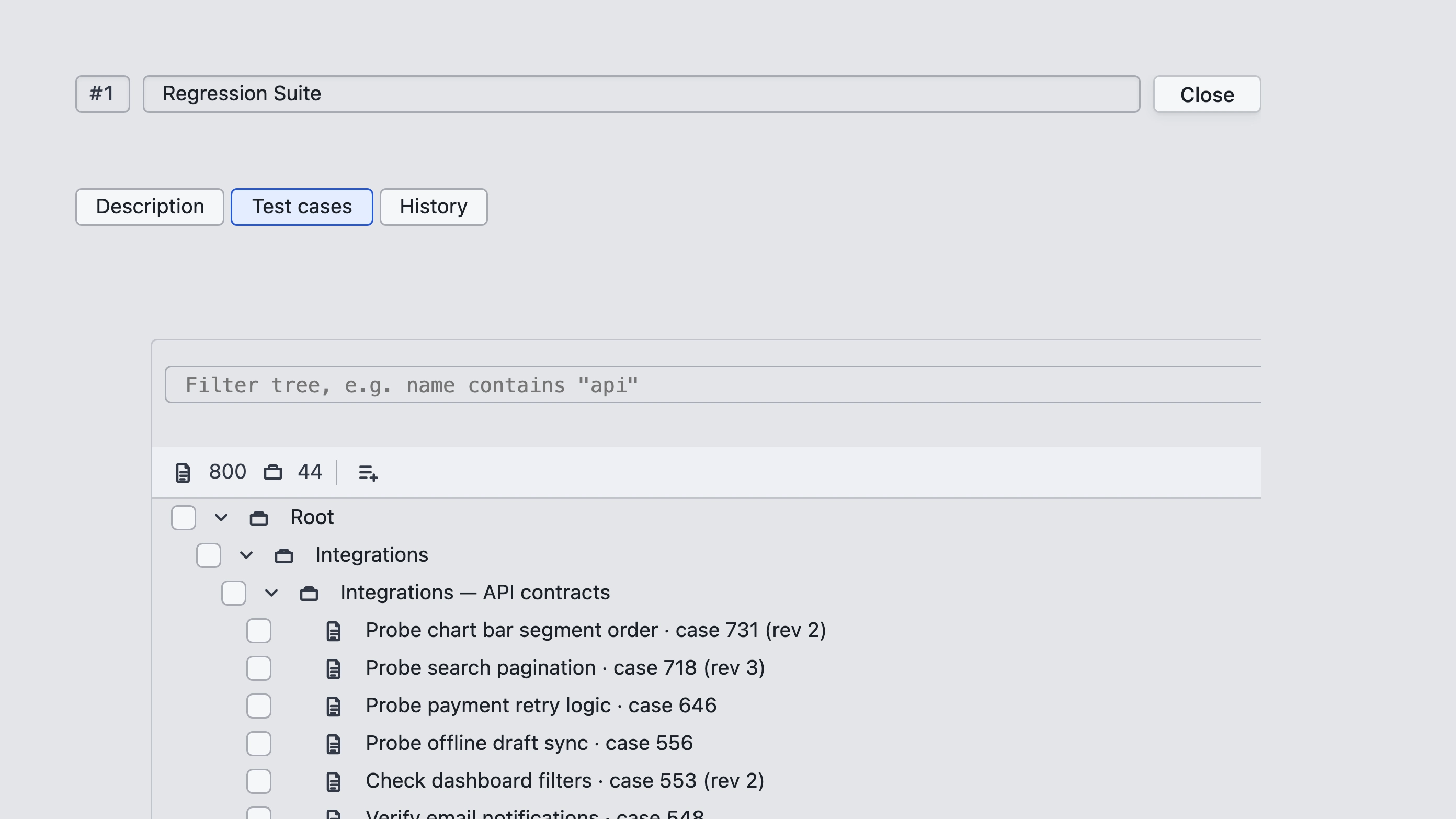
Plan tabs:
- Test cases — the cases currently on this plan
- History — runs started from this plan
Edit the plan name and description at the top of the plan. Description is for context for your team; it does not change membership. Description text supports rich formatting.
Membership
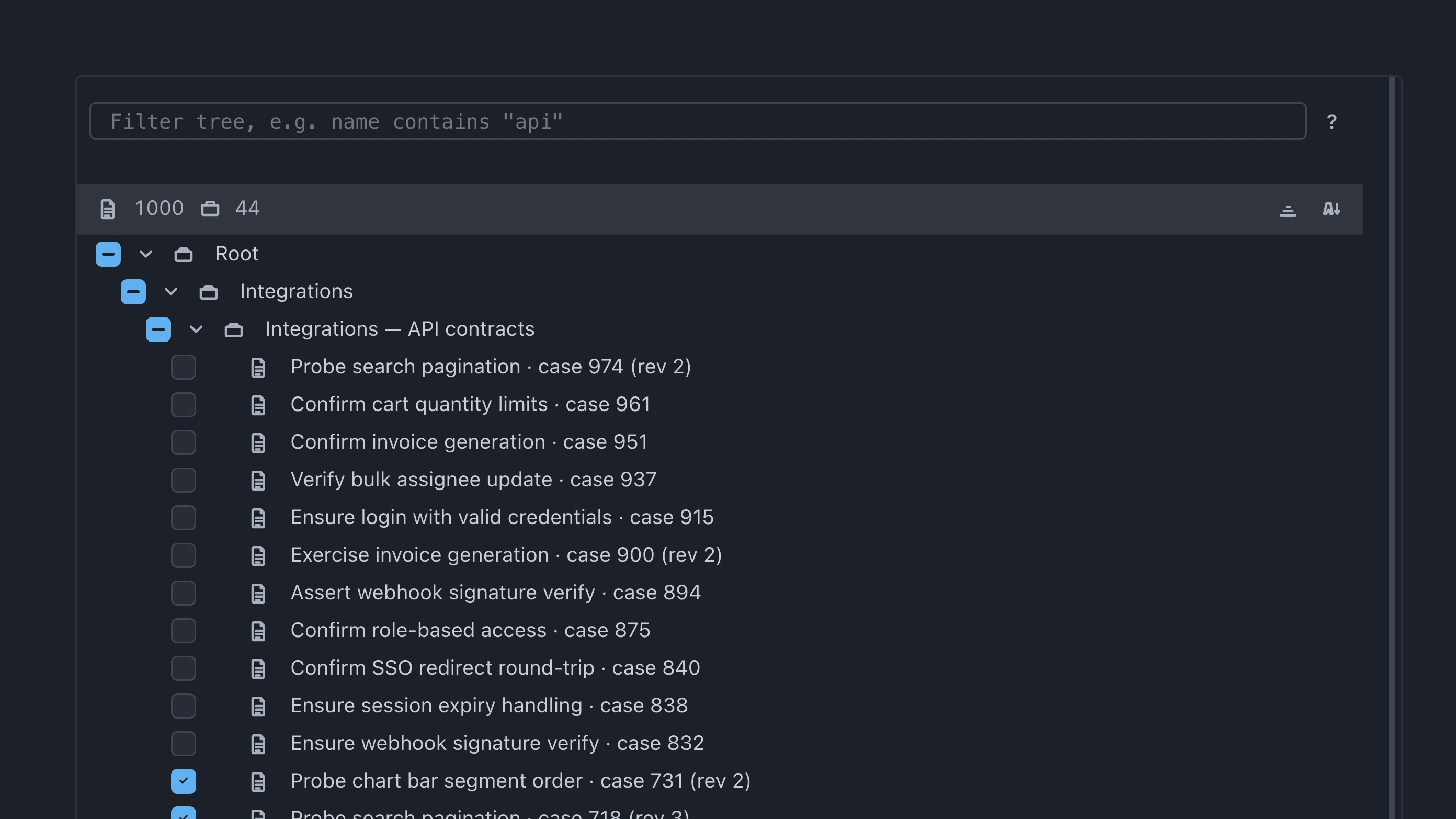
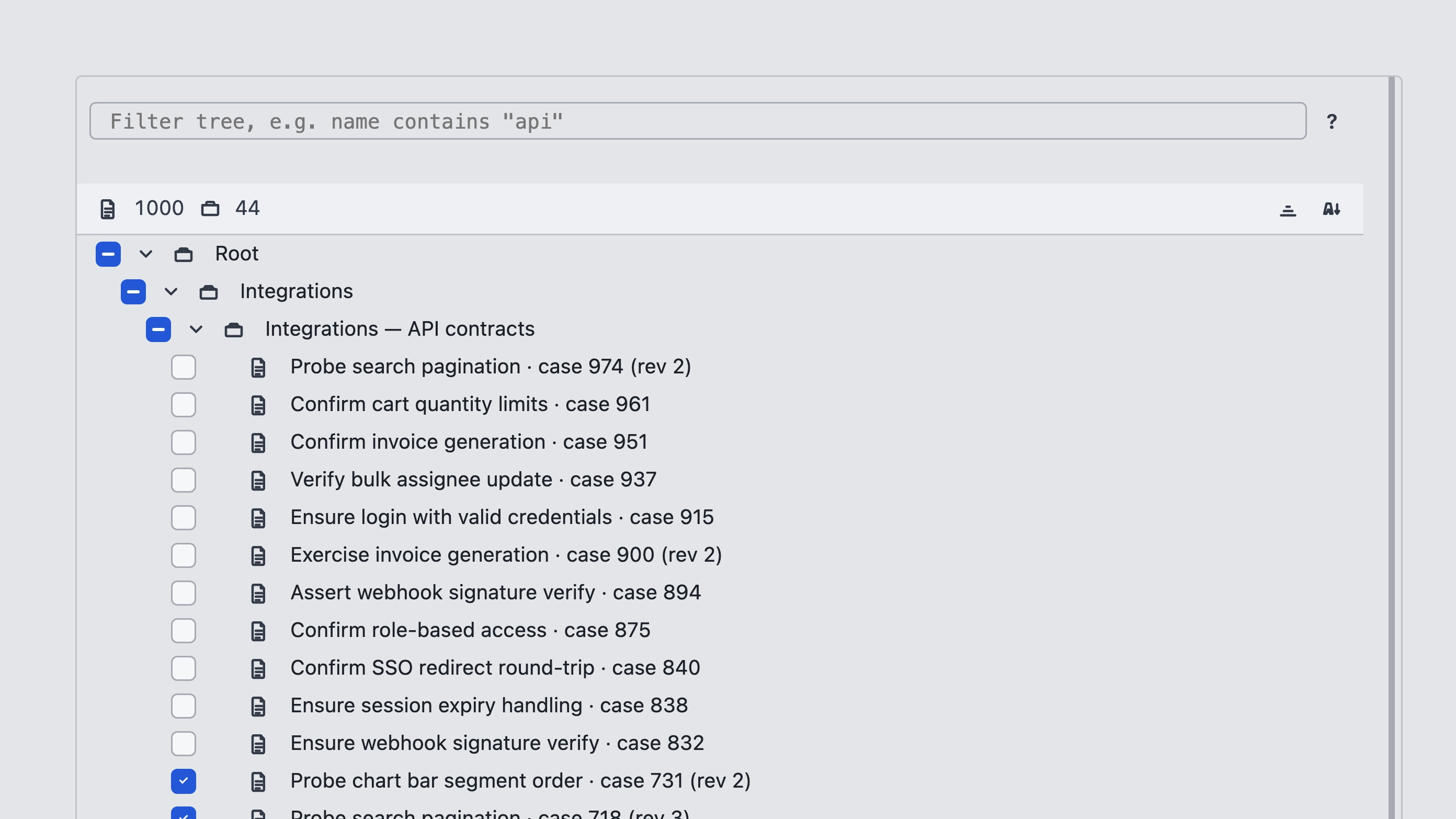
To change which cases belong to the plan, open Select from the plan toolbar. In the case tree: turn cases on or off — the plan membership will update. Use Remove on the plan’s Test cases tab when you need to remove only the selected cases from the plan.
Start a run
On the plan’s Test cases tab, select the cases to execute and use Run. The new run appears both under History and in Test runs.
Related: Test cases, Terms.