Test cases
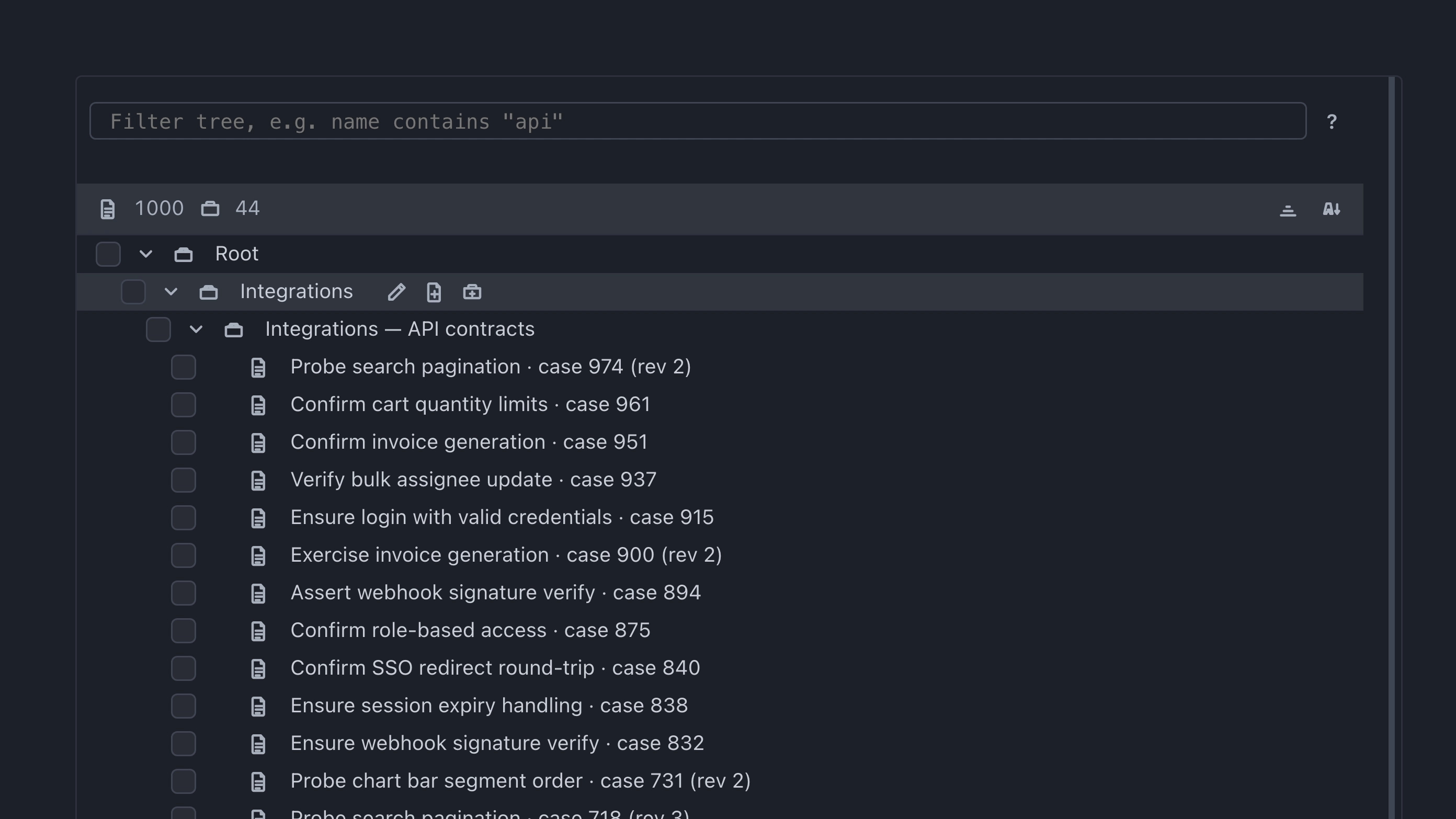
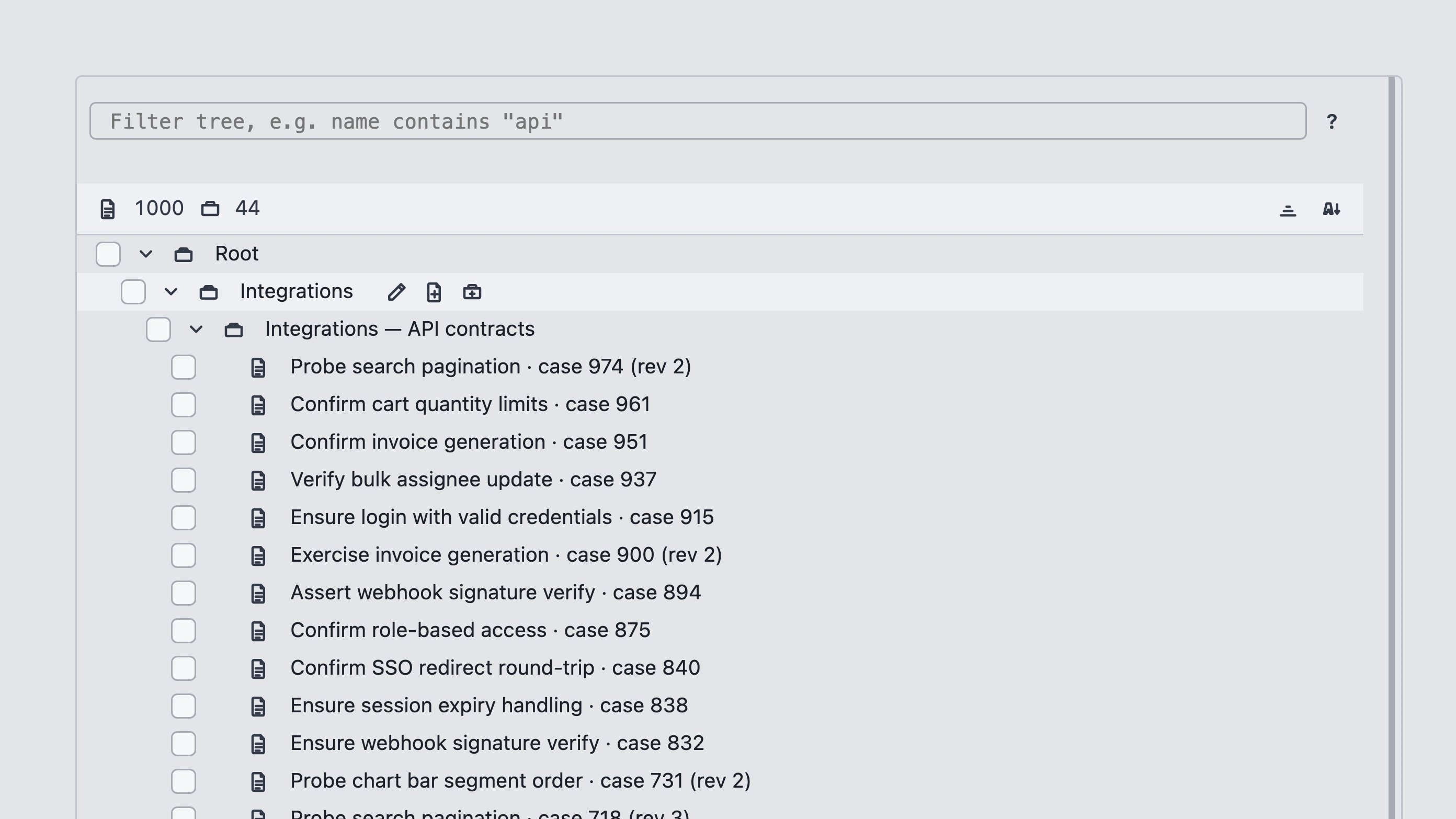
Test cases live in a tree. Create a hierarchy of groups by kinds or types of checks, then add cases under them. Hover a tree row for Rename group, New test case, and New group.
Case card
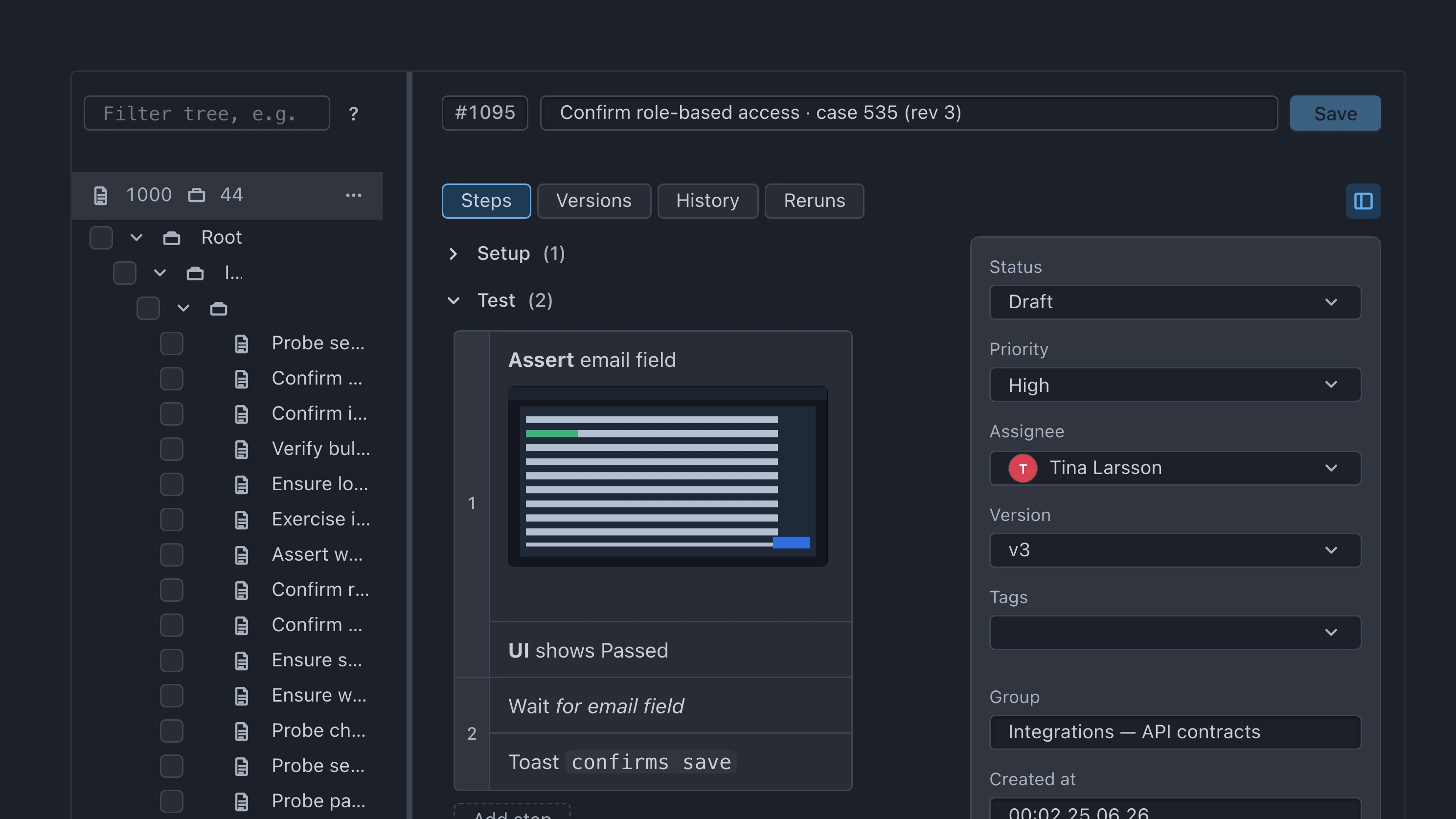
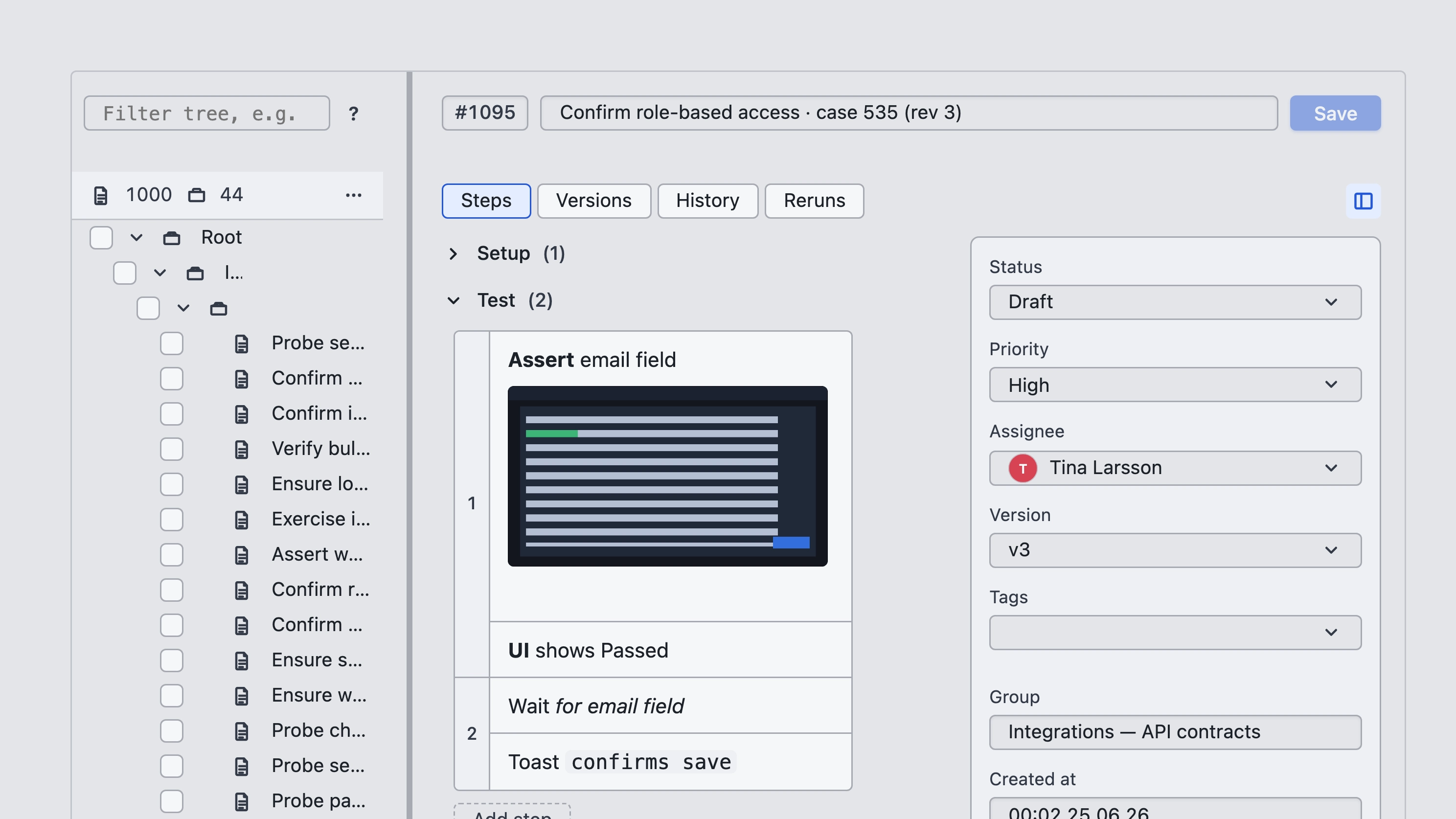
Open a case to edit it. The card tabs are Steps, Versions, History, and Reruns.
- Steps — the verification scenario you execute later in a run
- Versions — compare test case versions with each other
- History — how this case appeared in past runs
- Reruns — related rerun activity for the case
The sidebar holds case metadata — Assignee, Status, Priority, Tags, and related fields. When you change values, they apply to the selected case.
On Steps, you can create, duplicate, delete, and reorder steps; undo and redo of edits. Step text supports rich formatting.
Filters and bulk actions
Use the tree filter when the suite is large. Open the help for fields and operators with ? in the UI — docs do not duplicate that reference.
Select groups or cases in the tree, then use the toolbar:
- Run — create a test run for the selected cases
- Duplicate — copy the selected items in place in the tree
- Move — move the selected items into another group
- Delete — soft-archive selected groups and cases. Restore or permanently remove them from Archive and retention